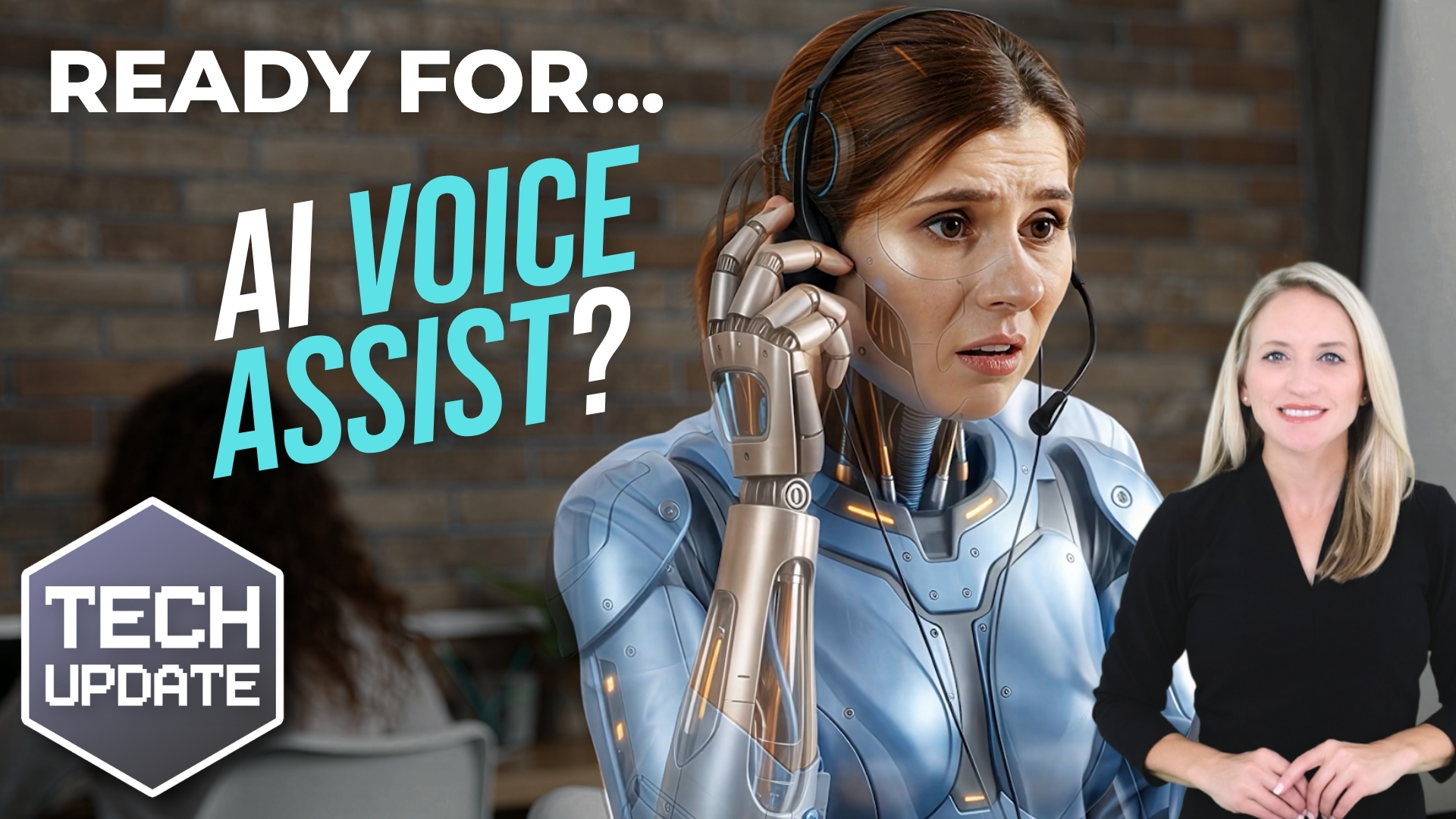
Most businesses have a handful of phone calls that happen time and again.
“What time do you open?”
“Can I change my appointment?”
“Has my order been dispatched?”
“Can somebody call me back?”
Of course, these are all normal questions for someone who doesn’t know the business.
But when your team answer the same things all day, it eats into time that could be spent on more valuable work.
That’s why AI voice assistants are getting so much attention right now.
And no, I’m not talking about the old “Press 1 for sales, press 2 for support” systems that everybody hates.
This is something different.
Modern AI voice assistants can hold a natural conversation with a caller.
Instead of forcing people through rigid menus, they let callers explain what they need in their own words.
The system listens, understands the request, and responds accordingly.
In many cases, the caller doesn’t even realize they’re speaking to AI right away.
That’s a big step away from traditional phone automation.
Older systems often fall apart the moment somebody says something unexpected.
AI voice assistants are designed to handle more natural back-and-forth conversations. The better ones can connect directly into your business systems as well.
So instead of simply answering questions, they can do things like:
- Book appointments
- Check account information
- Update tickets
- Send confirmations
That can make a big difference for businesses handling a high volume of routine calls.
But before you rush to replace your customer service team with AI, take a moment.
This technology works best in specific situations.
If your business receives lots of repetitive, predictable inquiries, an AI voice assistant could genuinely save time and reduce pressure on your team.
Customers get answers faster, staff spend less time repeating themselves, and people are freed up to deal with the conversations that need human judgment.
Where things become harder is when conversations are emotional, complex, or unusual.
A frustrated customer with a billing dispute probably still wants a person. Someone dealing with a sensitive situation doesn’t want to feel trapped inside an automated process.
It’s a good idea to start small.
Rather than automating everything, identify one narrow area where AI can help reliably. Maybe appointment bookings. Maybe basic account queries. Maybe overflow calls outside office hours.
That approach gives you room to test what works without disrupting the wider customer experience.
There’s another side to this as well, and it’s important.
If an AI voice assistant is accessing customer data, recordings, calendars, or internal systems, security and compliance are important.
You need to know where that data is stored, who can access it, and how the system connects into your existing tools.
And not every platform handles this equally well.
Some sound impressive in demos but struggle badly in the real world when there’s background noise, strong accents, industry jargon, or unexpected questions.
Others create more work behind the scenes because they don’t integrate properly with the systems you already use.
Choosing the right setup is more important than choosing the cheapest option.
AI voice assistants will become genuinely useful over the next few years. The technology is improving quickly, and in the right environment, it can remove a lot of repetitive work.
If you’re curious whether an AI voice assistant could work in your business, we can help you explore things carefully. Get in touch.