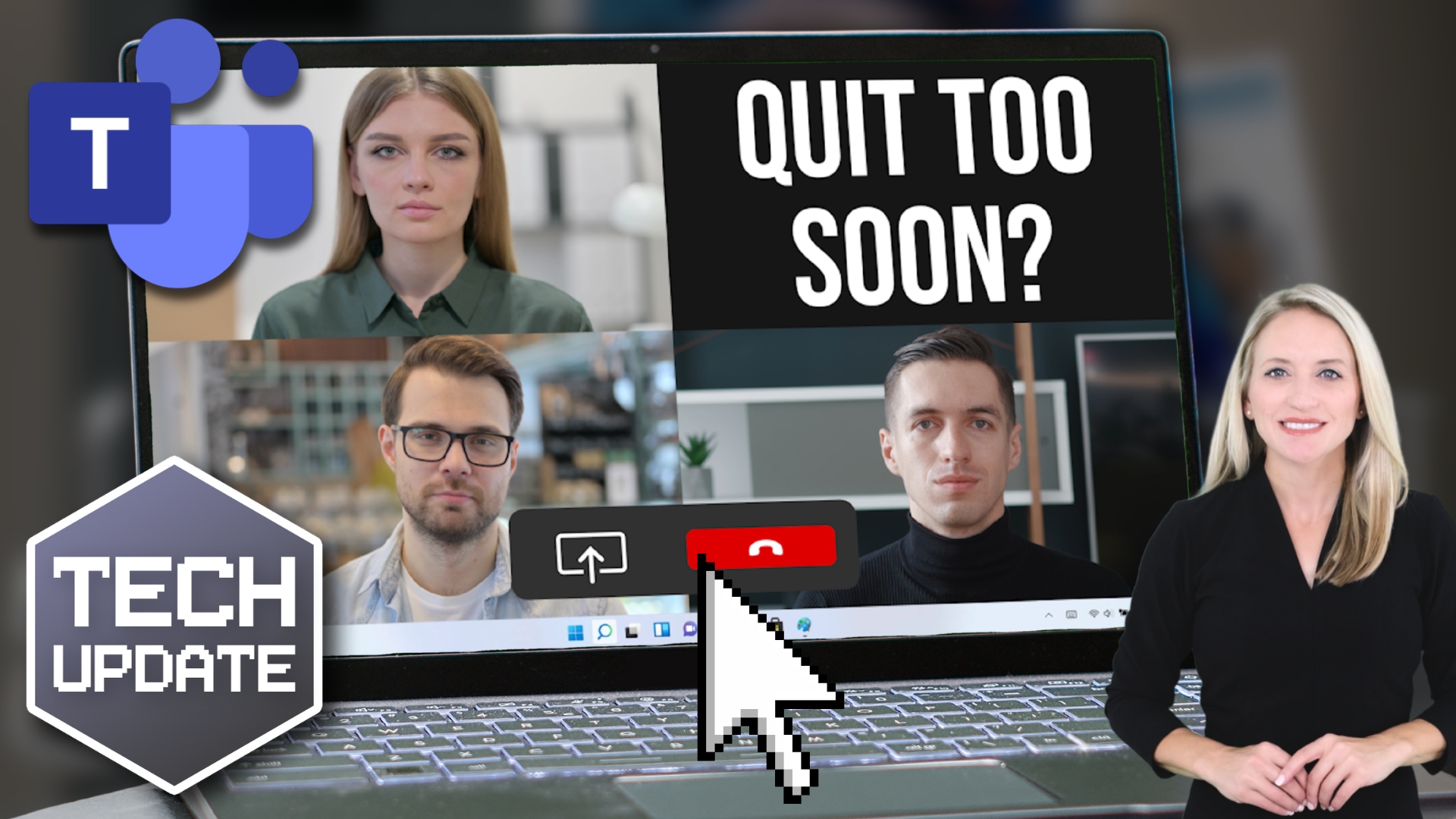
Have you ever accidentally left a Teams meeting?
You go to click something, maybe Share to present your screen, and suddenly you’re staring at your desktop while everyone else is still mid-conversation.
Awkward.
For a long time, that was a perfectly believable excuse.
The Quit option in Microsoft Teams has caught out plenty of people, especially in fast-paced meetings where you’re clicking quickly between controls.
Enough people complained that Microsoft has finally decided to fix it.
Microsoft said it would introduce an alternative way to quit a meeting using the system tray (that’s the small area down by the clock on your Windows desktop). And it’s delivered.
The idea is simple: Move Quit away from the main cluster of meeting controls so you’re less likely to click it by mistake.
If you use the desktop version of Teams, you should already see the change automatically. There’s nothing your IT team needs to switch on.
It’s not a dramatic update.
But it’s one of those small improvements that removes daily friction.
Now, just to manage expectations, this doesn’t completely eliminate the risk of clicking the wrong thing.
If you’re aiming for “Share” and misclick “Leave”, you could still drop out of the meeting. We’re not living in a perfect world just yet.
However, there’s a useful setting many people don’t know about.
Inside Teams, if you go into Settings, then General, there’s an option to turn on a confirmation message before leaving a meeting.
That extra “Are you sure?” step can save you from disappearing at exactly the wrong moment.
While we’re on the subject of small-but-helpful changes, Microsoft is also rolling out another update that will let you hide the meeting toolbar during calls.
That means more screen space and fewer distractions while you’re presenting or focusing on content.
If your people rely on Teams every day, these incremental updates reduce embarrassment, reduce disruption, and make virtual meetings feel just a bit more polished.
And if you’ve ever vanished mid-sentence from an important call, you now have one less excuse.
If you’d like to learn about other small-but-mighty features that could help everyday work, get in touch.